01
Read one note
Open or drop any Markdown file and start reading. No library or classification required.
A LOCAL MARKDOWN SPACE WITHOUT THE MIGRATION
Open a Markdown file where it is. Notice what changed, keep a few notes open together, and take a useful page away as a PDF. Your files stay yours.
Currently free · macOS, Windows & Linux · No account · Local first
Explore Pyrus 0.11.0: in-page find, typography, lightbox & editor handoff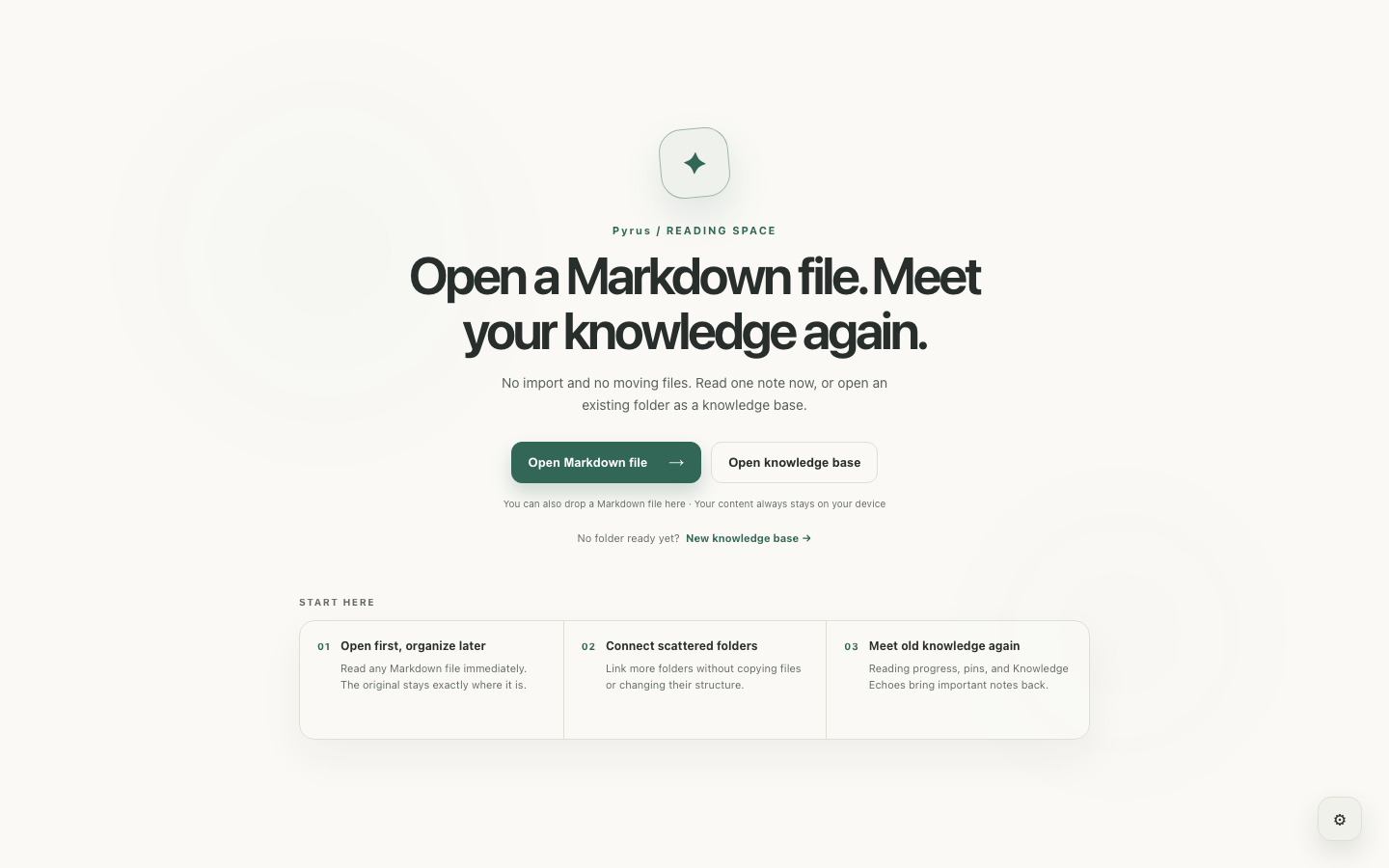
New in 0.11.0: in-page find, custom reading typography, an image & Mermaid lightbox, external editor handoff, and recent workspace switching—building on recent changes, reading tabs, and PDF export.
Press Cmd/Ctrl+F to search inside the current note, fine-tune font size (14–32px), reading width, and line height across 5 themes, and click any image or Mermaid diagram to zoom and pan in a lightbox.
Explore the reading view →Jump between up to 8 recent workspaces from the sidebar, see notes added or edited in the past 7 days, and keep several notes open in tabs that remember their own reading position.
Follow a changing folder →Learn the tab shortcuts →Open the current note in your preferred external editor (auto-reloading in Pyrus when saved), or use Export PDF / Print, copy as rich text, or copy raw Markdown.
Export on Windows →Export on Mac →Read first, decide what deserves to stay, and let useful structure grow without replacing the folders you already have.
Open or drop any Markdown file and start reading. No library or classification required.
Add a useful note or another folder later. Pyrus never needs to copy or reorganize the originals.
Reading progress, pins, full-text search, and Knowledge Echoes bring important notes back.
KNOWLEDGE ECHOES
That old note did not need another tag. It needed the right moment to return.
While you read, Pyrus quietly looks for a meaningful connection inside your local knowledge base. It shows the matching passage and why the note came back. Nothing leaves your device.
Read the story of a note forgotten for 217 days →Pyrus requires no account, cloud sync, or proprietary format. Notes remain ordinary files; source links, pins, reading progress, and Knowledge Echo feedback stay on your device.
Start with the method already available on your computer, then choose a reader only if you want the file to feel like a finished document.
Compare four ways to read .md files, set the default app, and export Markdown to PDF locally.
Open the Windows guide →MAC GUIDE · 9 MIN READChoose a reading app, set it as the default, and save Markdown as a PDF on your Mac.
Open the macOS guide →Practical stories about reading, local knowledge, and the things that disappear after we save them.
Why forgotten knowledge needs a different way back—and how the current page can become the query.
Read the essay →STORY · 5 MIN READA late-night proposal, an impossible search, and one sentence that had been waiting quietly.
Read the story →GUIDE · 9 MIN READA local-first way to make an existing folder readable again—without migrating your files.
Read the guide →Keep files where they are, let reading happen first, and allow the useful ones to return.
Download Pyrus for free